

Documentation Index
Fetch the complete documentation index at: https://mayson.mintlify.app/llms.txt
Use this file to discover all available pages before exploring further.
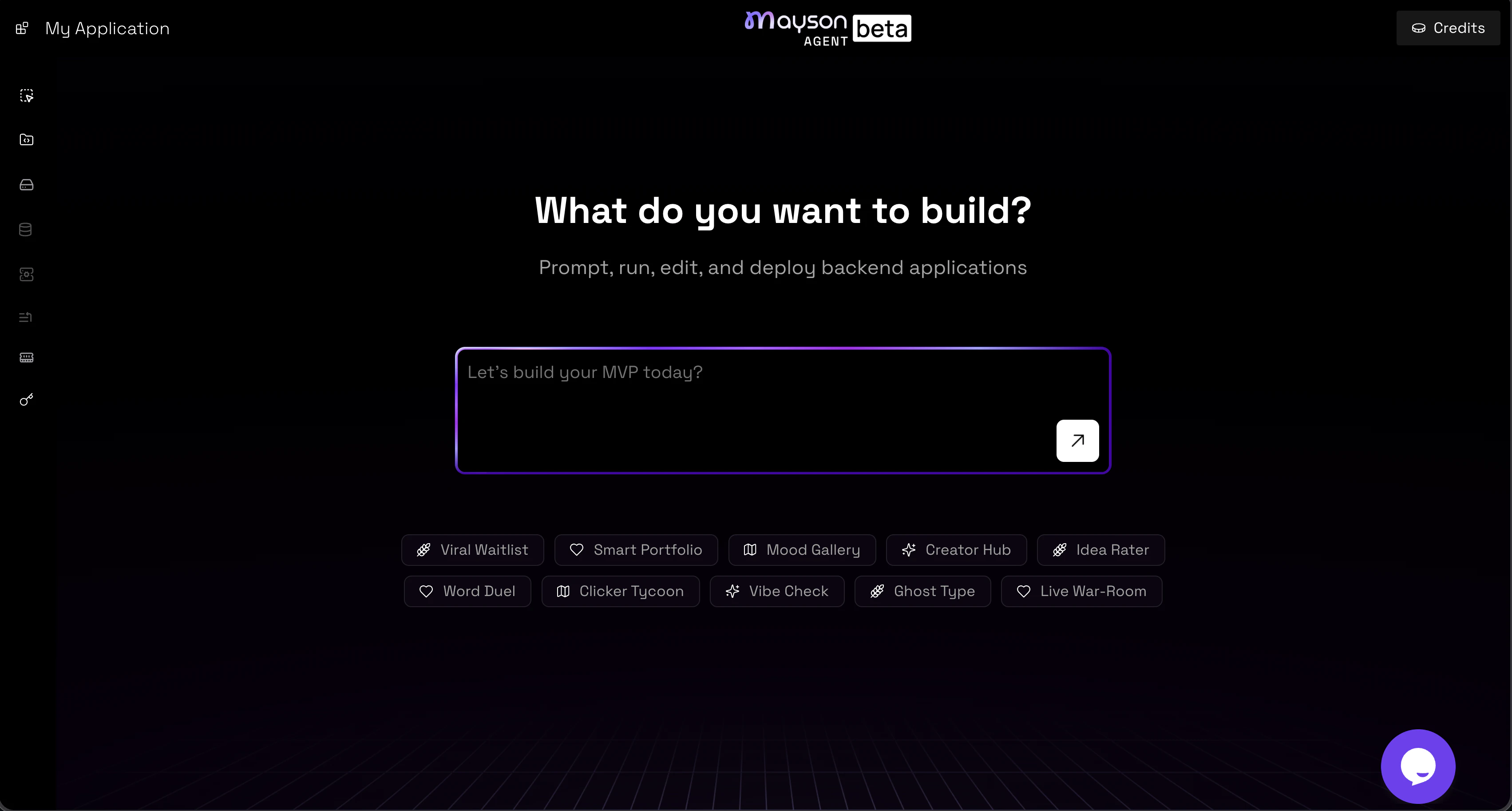
The Mayson platform overview
Create your first projectCreate your account
Head to app.mayson.dev and sign up. Once registered, you’ll land on the Agent dashboard and can create your first project immediately.
- Start a new project with a single prompt
- Browse all your projects, including recent and pinned ones
- Manage your account to check credit usage and adjust settings
- Upgrade or change your plan at any time
- Chat-based editing — describe changes and the Agent applies them to the full stack
- Live preview — your app is deployed and accessible at a public URL from the first build
- Custom Builder access — fine-grained control over APIs, code blocks, middleware, and more
- Toggle between web and mobile view for responsive design
- View key details like total edits and creation date
- Add custom knowledge to give the Agent persistent context about your project
- Rename or delete your project
Start your project
Prompt Mayson’s prompt-based system is the primary way to create and edit apps.- Describe what you want to build in the prompt box
- The more specific you are, the better the first generation
- You can refine and iterate through follow-up prompts at any time
Edit your project
Add custom knowledge Custom knowledge acts as a persistent brief for your project. Use it to define your data model, design rules, feature constraints, or anything else the Agent should always keep in mind across all prompts.Deploy and share your project
Your app is live from the first build Every Mayson project is deployed automatically when the Agent finishes generating it. You get a public URL on amayson.app subdomain immediately — no publish step required.
Add a custom domain
You can connect a custom domain through project settings.
Share your project
Use the live URL to share your app with users, collaborators, or stakeholders at any point in development.